Settings
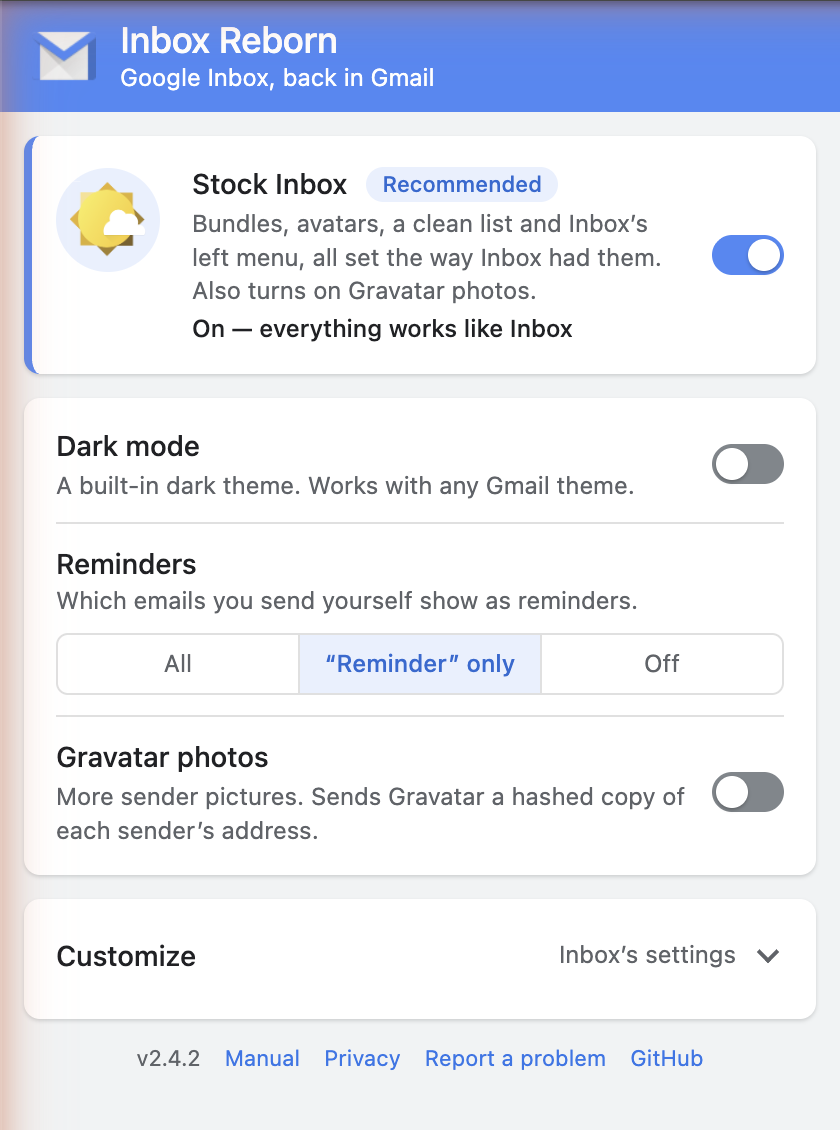
Click the extension's icon in the browser toolbar to open the settings popup. Changes save as you make them; Gmail tabs that need it reload themselves.
Up front
| Setting | What it does |
|---|---|
| Stock Inbox | On for new installs. Sets everything under Customize to Inbox's own values: bundling on, with Purchases, Travel and Finance; single-email bundles; bundles in their own date group; avatars on; no dates on the rows; AI Inbox and All Mail hidden, Travel and Finance shown. Changing one of those turns it off and keeps your change; turning it back on restores them all. Turning it on also turns on Gravatar photos. |
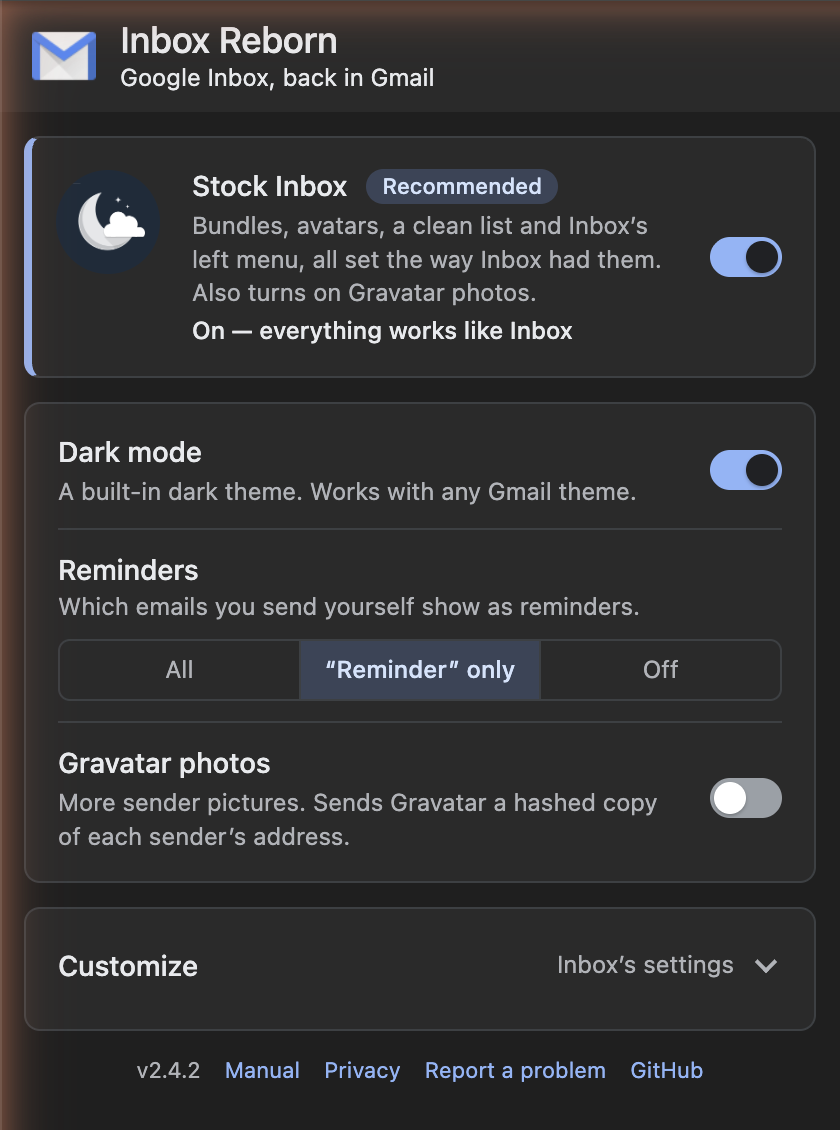
| Dark mode | The extension's dark theme, for all of Gmail. Applies at once; no reload. Independent of Gmail's own theme. |
| Reminders | Which emails you send to yourself show as reminders: All, only those with the subject "Reminder", or Off. |
| Gravatar photos | Also look senders up on Gravatar for a picture. Off by default, because it sends Gravatar a hashed copy of each sender's address. Needs Avatars on. |
Customize
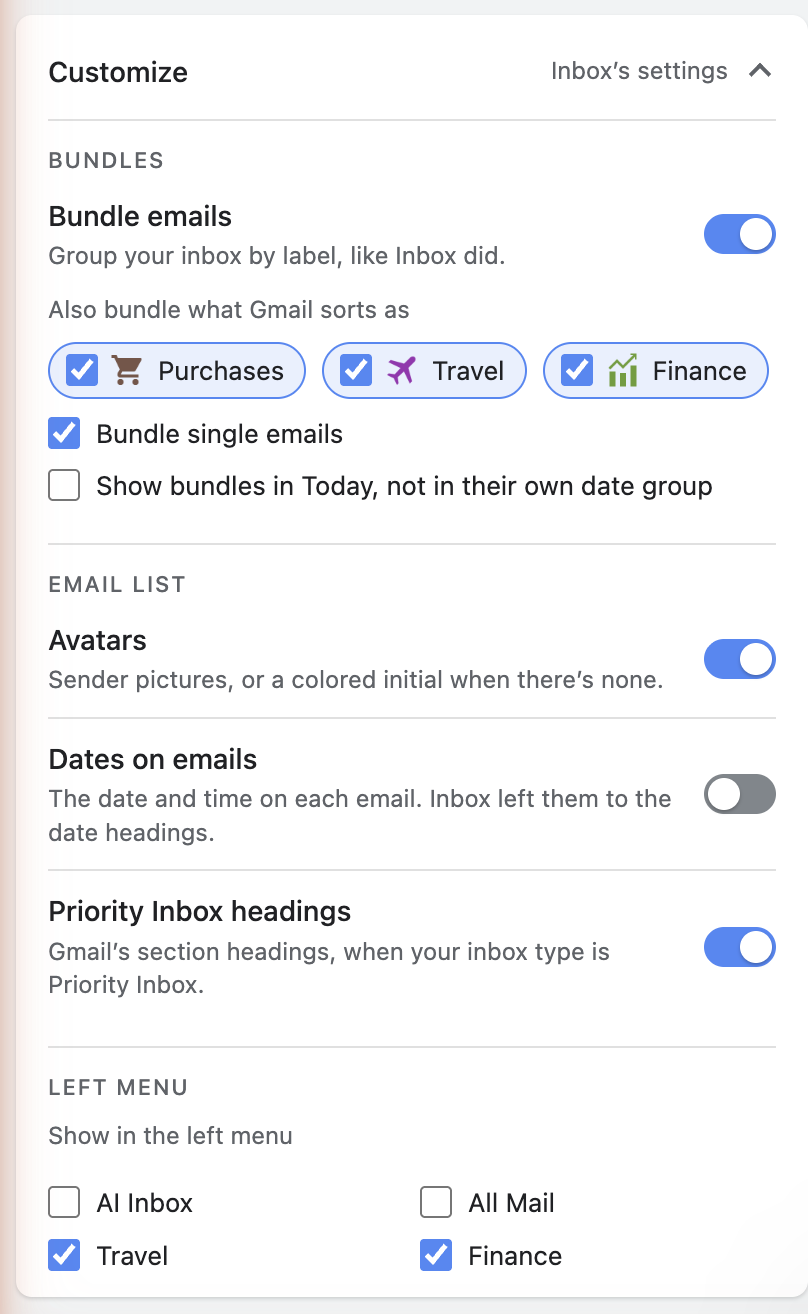
Opens by itself when Stock Inbox is off. Its header says Inbox's settings while everything matches Inbox and Custom once you've changed something.
Bundles
| Setting | What it does |
|---|---|
| Bundle emails | Bundling on or off. Off, the left menu's two sections go away and the inbox is Gmail's list with Inbox's styling. |
| Also bundle what Gmail sorts as: Purchases, Travel, Finance | Gmail sorts mail into these three but draws no chip for them, so the extension asks Gmail for the lists itself (see Gmail's categories). Dragging one of them up in the left menu turns its switch on. |
| Bundle single emails | Off, a label needs two or more inbox emails before it collapses into a bundle. On (Inbox's way), one email is enough. |
| Show bundles in Today, not in their own date group | Inbox listed bundles in a group of their own above the dated groups. On, they sort into Today instead. |
Email list
| Setting | What it does |
|---|---|
| Avatars | The picture column: a found picture, or a colored initial. |
| Dates on emails | Gmail's date or time on each row. Inbox left dates to the headings, so Stock Inbox turns this off. |
| Priority Inbox headings | Gmail's section headings when your inbox type is Priority Inbox. Off hides them for a cleaner list. |
Left menu
Show or hide AI Inbox, All Mail, Travel and Finance. Inbox had Travel and Finance and neither of the other two, which is what Stock Inbox sets.
Settings that live elsewhere
- Which labels bundle is not in the popup: drag them between Bundled in the inbox and Unbundled in Gmail's left menu. The choice is saved per Gmail account.
- Which categories Gmail shows a chip for, and whether Gmail shows category tabs, are Gmail settings; see Getting started.
Where settings are kept
In the browser's extension storage, on this computer. Chrome syncs the popup's settings to your other Chrome profiles if extension sync is on; the per-account bundle choices and the record of what a drag archived stay local.