Speed dial
Hover the red + compose button at the bottom right. It fans out, as Inbox's did:
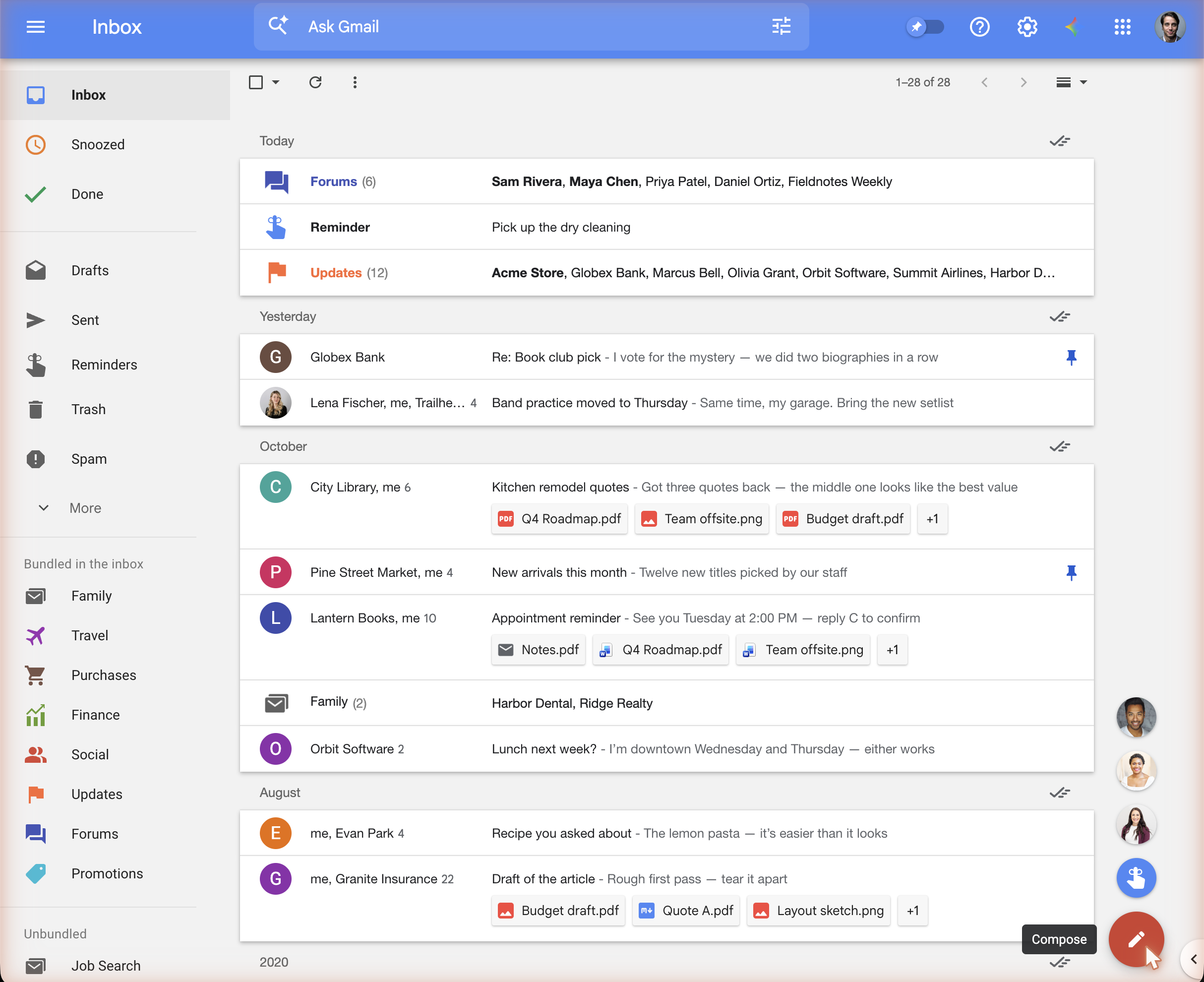
- The blue hand starts a reminder: a new email to yourself, which the inbox then shows as a reminder (see Reminders).
- The three faces are the people you have written to most recently. Hover one for their name and address; click it to start an email to them, already addressed.
Where the contacts come from
The speed dial learns from your sent mail. Each time Gmail loads, the extension asks Gmail for your newest sent conversations and takes the recipients from them, newest first. Sending an email also moves its recipients to the top straight away. There is nothing to set up, and it works the same in every browser you use the extension in.
The list stays in your browser's extension storage; see Privacy.